
Easily navigate and filter through shipments processed on your Shiip account with just a few clicks. Here’s how!
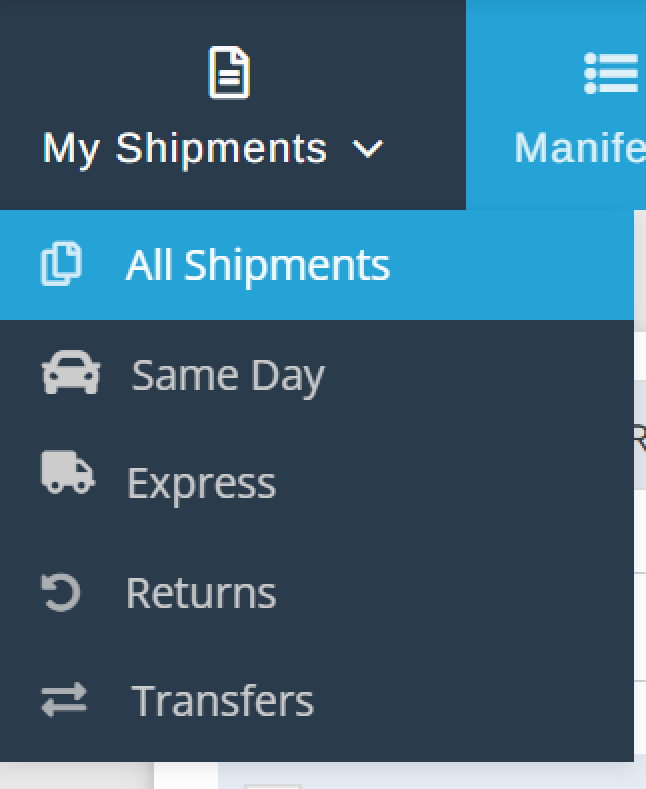
- Select My Shipments from the top navigation menu

2. From the drop down menu you may choose from various options. All Shipments, Same Day, Express, Returns, Transfers.
If you would like to view your complete list of shipments – Select All Shipments.
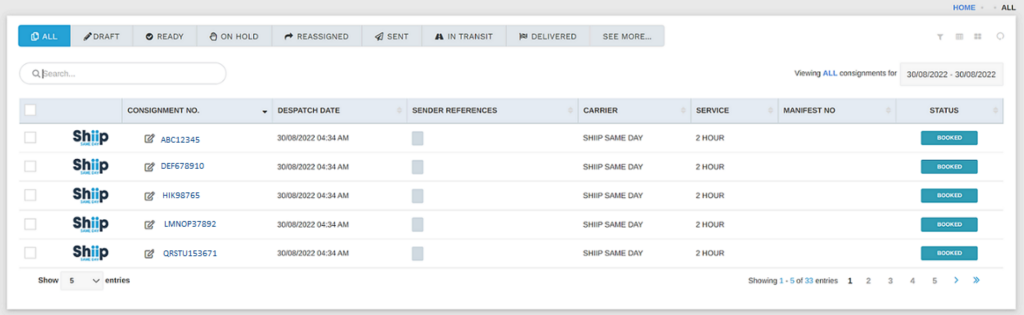
3. Manage your view of shipments by selecting the most appropriate filtrations
Filter by status of shipment
Options include: All, Draft, Ready, On Hold, Reassigned, Sent, In Transit, On Board, Delivered, Booked, Partial, Undelivered, Cancelled, Attempted, At Depot, Assigned, and Collected

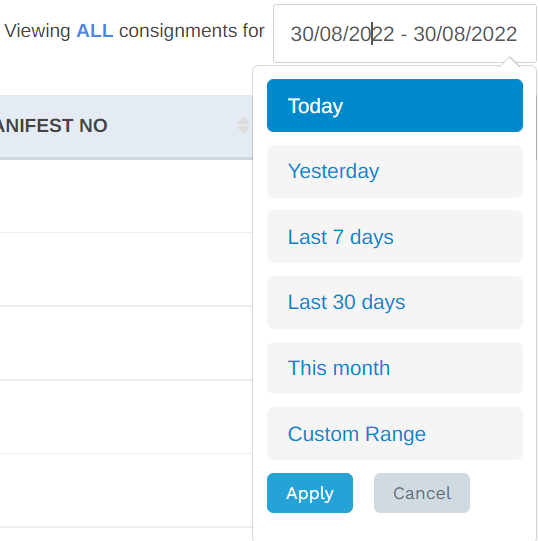
Filter by date range
Options include: Today, Yesterday, Last 7 days, Last 30 days, This month, or Custom Range.
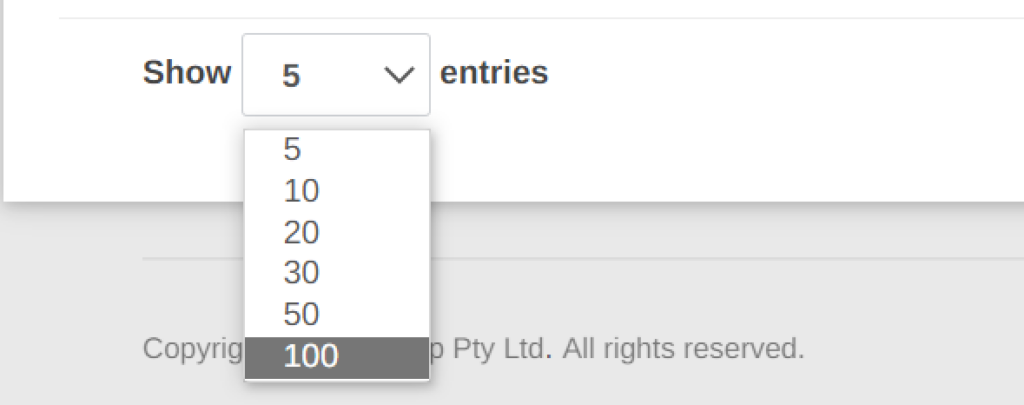
Adjust the amount of entries on display
Alternatively, if you need to search a particular consignment, enter shipment number into the search field.
Also note, you can search by sender, or receiver reference if applied to a consignment.
