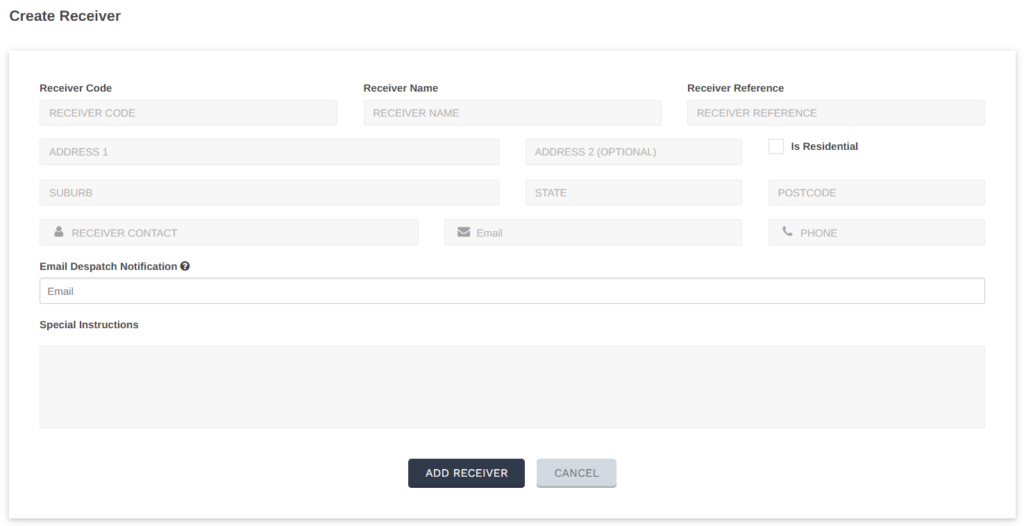
If you have reoccurring customers, a great time saving feature of Shiip is the address book.
Once the receiver’s details are saved, you can simply enter just the receiver code chosen or begin to type the Receiver Name for details to auto populate.
Here’s how to create a receiver!
Select Settings

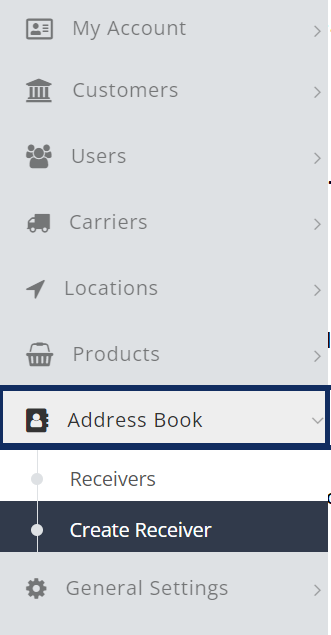
Select Address Book from the left menu, then Create Receiver
Fill out all required fields, once complete select Add Receiver