
You can create as many despatch locations as needed on Shiip.
You have the ability to assign certain users to each location, as well as certain carriers.
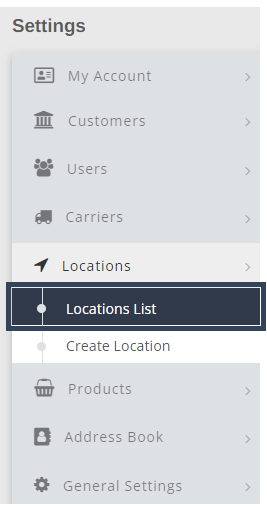
To view current locations in your Shiip account, select settings in the main navigation menu

From the menu on the left-hand side, select locations and then choose Locations List
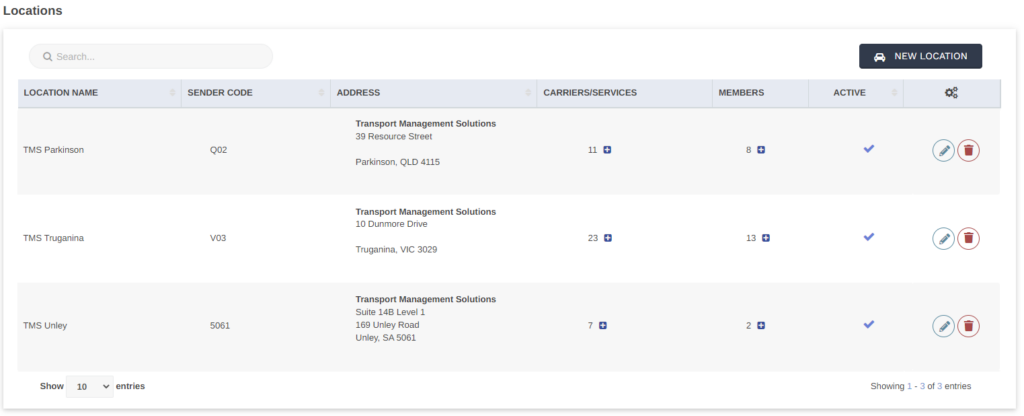
You can edit or delete any location as any time, by simply selecting the pencil icon to edit and the trash icon to delete
To create a new location select the New Location button on the top right corner.

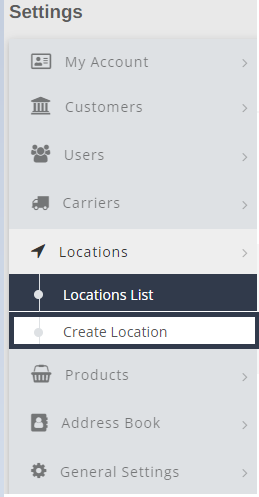
Alternatively, select Create Location on the left hand menu.
Fill out all appropriate fields
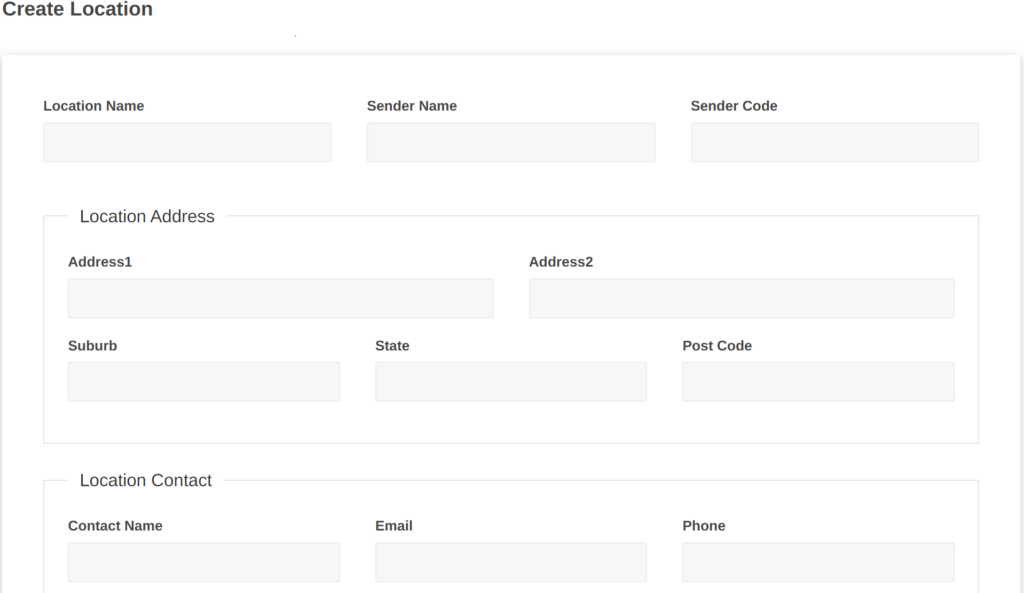
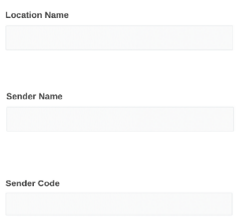
Start by entering the location name, sender name and code for the location to be easily identified at a later date
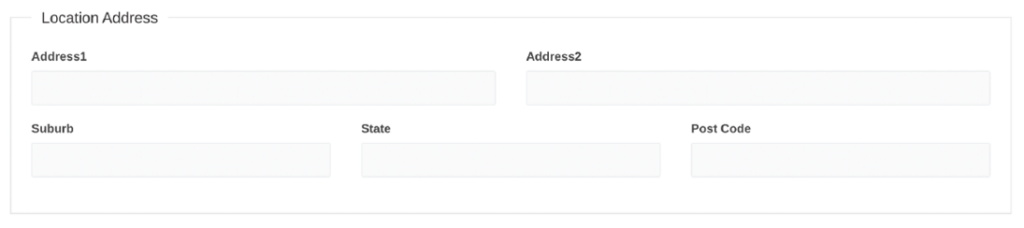
Enter the address details
The customer’s support contact details can be added to allow access to information regarding their consignment if necessary

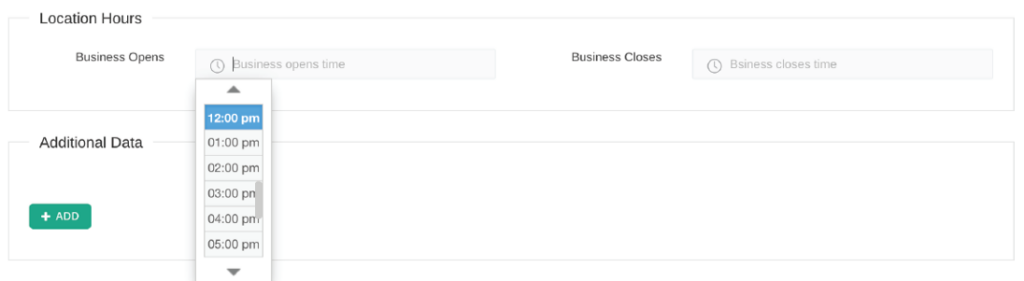
Input the time the business location opens and closes to enable couriers to identify operating hours and default pick up time. A drop-down option will appear, allowing you to select the time most appropriate.
Manage how the consignments are created via remote API (optional). You can create a remote connote as a draft. (This will remain draft until it is made an active consignment). Alternatively, a remote connote can be created with a default carrier preference. This ensures a specific carrier is defaulted for every connote generated for this specific location.

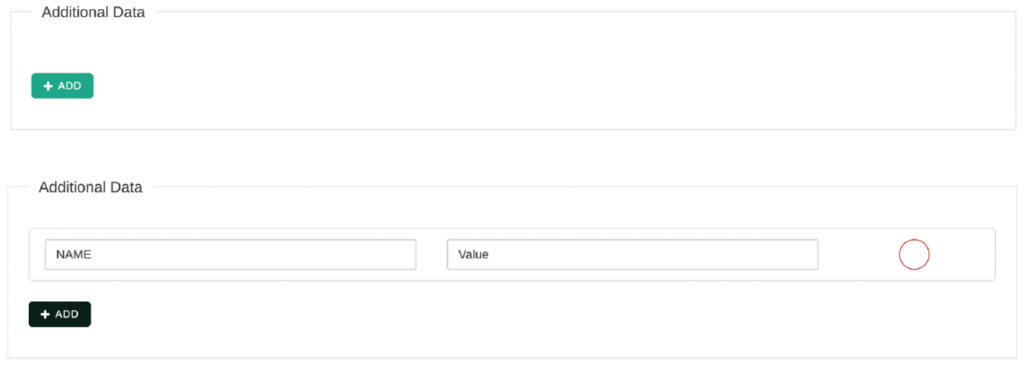
Additional data can be applied for certain carriers that require an extra value at a location. To enter information, click the +Add button
Once completed, select Add Location