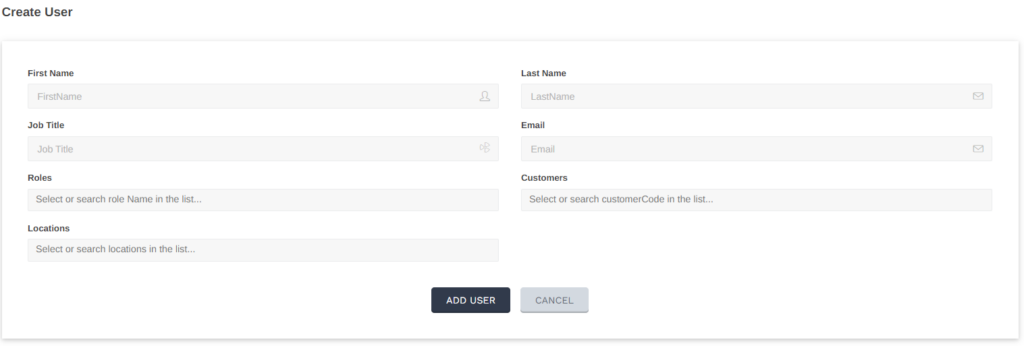
You can have as many users on the platform as you need.
Roles can be assigned to users giving members different levels of permissions.
You can also assign users to specific locations.
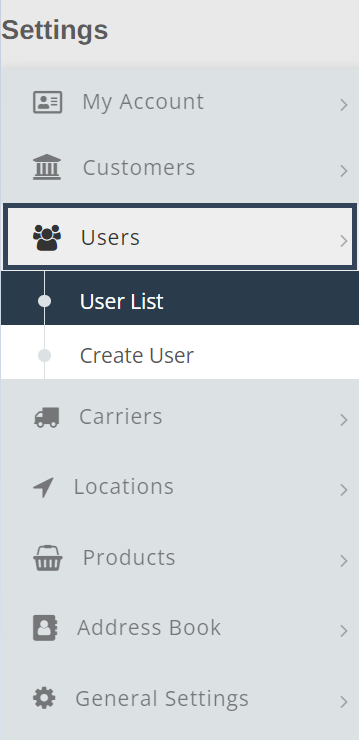
To view users select Settings from the main navigation menu

Next, select Users, then User List
The list of current Users will populate displaying their name, job title (if included), email , locations, and role.
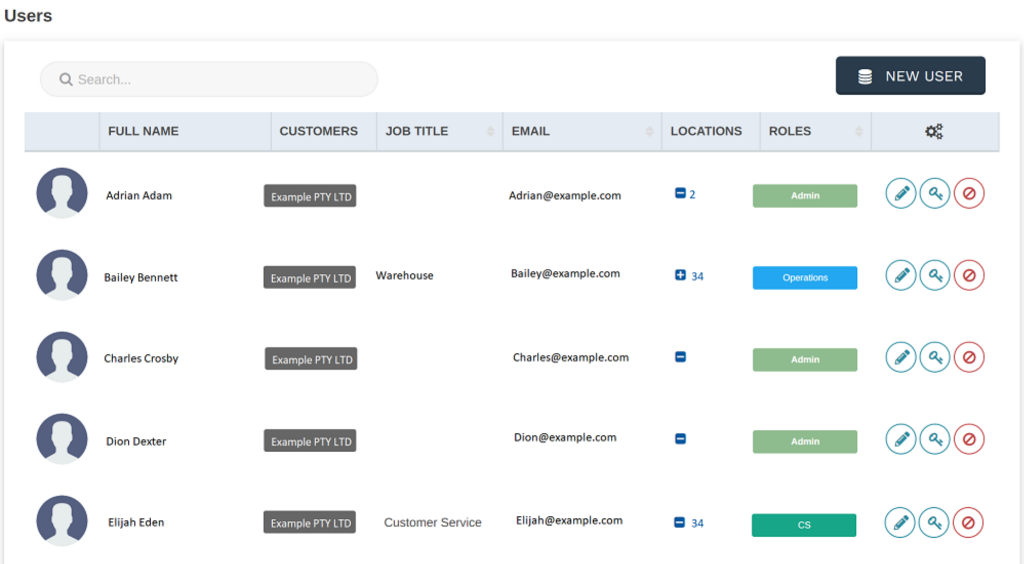
To Edit details of a user, select the pencil icon.
To Change a password for a user, select the key icon.
To Disable a users access, select the red disable icon.

To add a new user to your Shiip account, select the New User button on the top right.

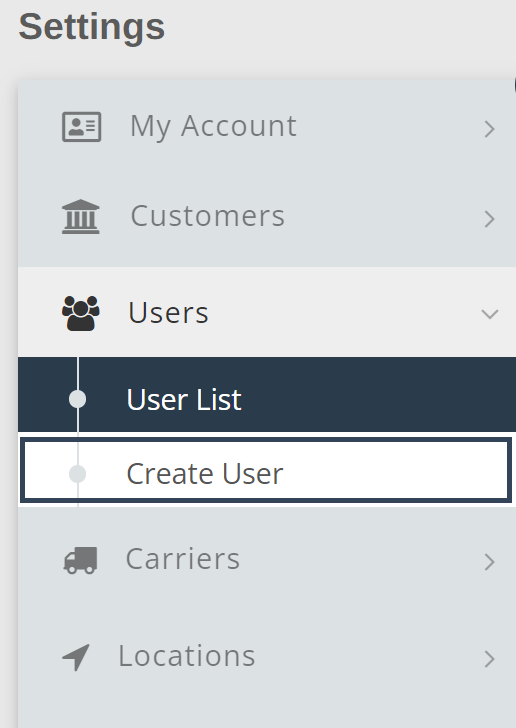
Alternatively you can select Create User from the menu on the left hand side
Fill out all appropriate fields then select Add User