
Yes! Shiip gives you the option to save new shipment as a draft, and complete at a later date. Here’s How!
- Select New Shipment

2. Enter all the relevant data of the Sender Details, Receiver Details, Goods Details, Additional Details
*Please note not all data needs to be completed – it can be partially completed to be saved as a draft.
All data will need to be completed before saving and processing the shipment however.
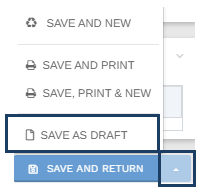
3. When you are ready to save your shipment as a draft, click the arrow besides the save and return button, then select Save as draft.
When you are ready to resume editing and complete the shipment, find your drafts shipments by:
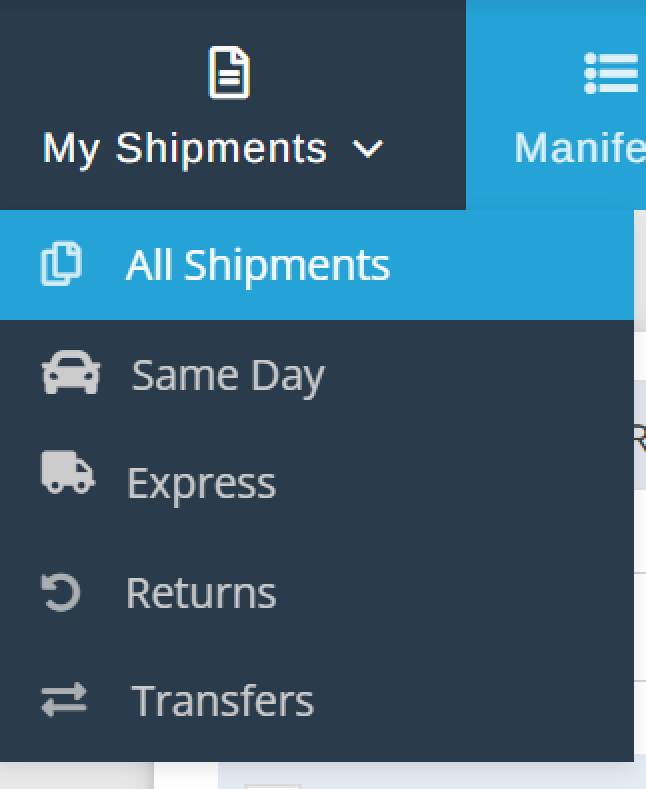
4. Selecting My Shipments, then All Shipments.

5. Select Draft

To edit a shipment, simply select the consignment no.
